Multi-Vehicle Route Optimization (Fleet Routing Guide)
Multi-vehicle route optimization distributes stops across multiple vehicles and generates optimized routes for each driver while respecting constraints like time windows, working hours, and vehicle capacity.
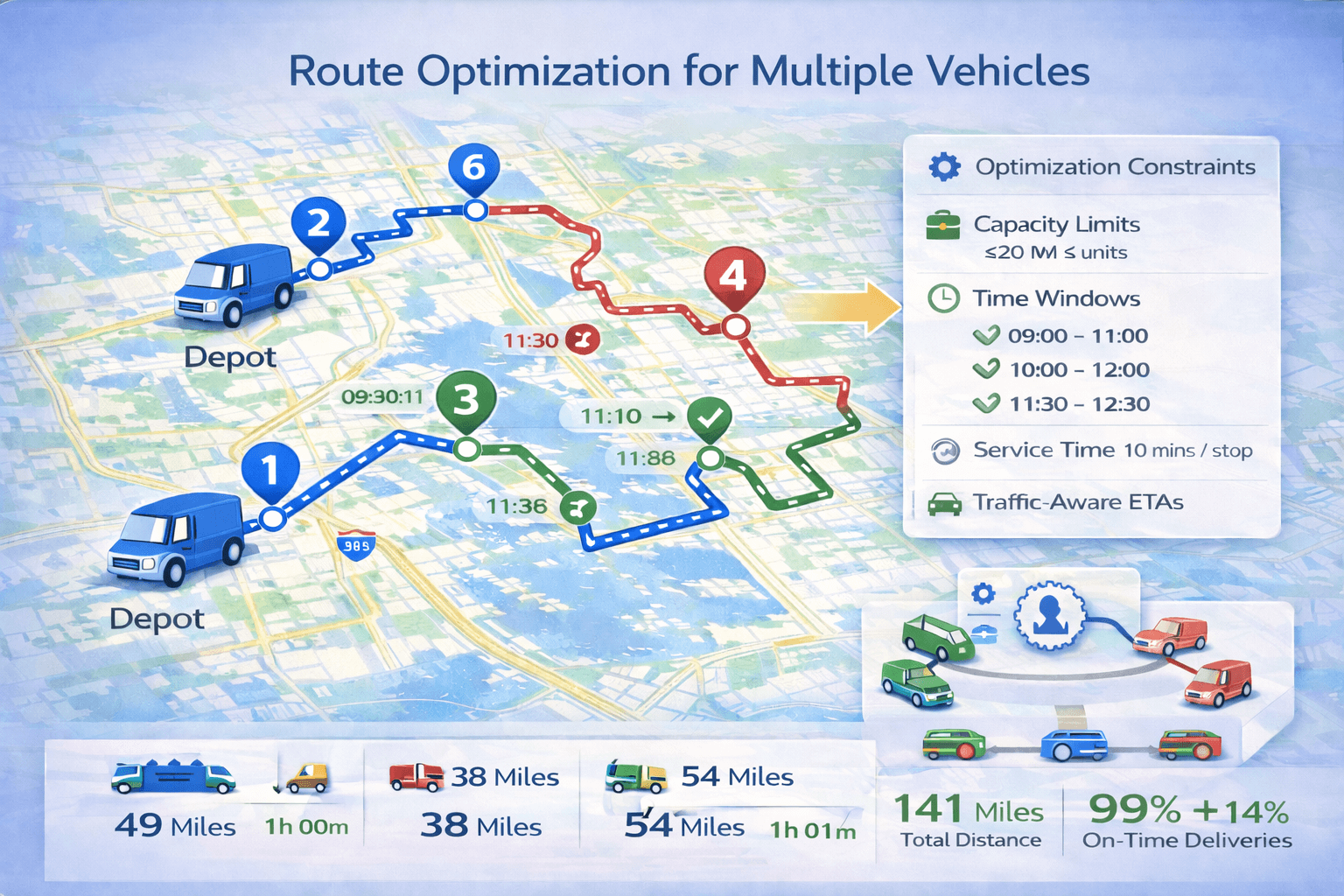 Route optimization with multiple vehicles and multiple stops.
Try Fleet Route Optimization Free
Add stops, add vehicles, and let TrackRoad generate optimized routes automatically.
Optimize Fleet Routes Now
Route Optimization Guide
1) What is multi-vehicle route optimization?#
Multi-vehicle route optimization is route optimization across multiple vehicles or drivers.
The goal is to generate efficient routes for each vehicle while serving all stops.
- Which vehicle should handle each stop
- What order stops should be visited
If you're new to routing start here:
What is route optimization?
and
How route optimization works
.
2) Why fleet routing matters#
Fleet routing directly impacts delivery costs and customer satisfaction.
- Total miles
- Fuel costs
- Overtime
- Late arrivals
- Missed deliveries
Optimized routing improves driver productivity and reduces operational costs.
3) How multi-vehicle route optimization works#
Fleet optimization includes assigning stops and sequencing routes.
- Read stops and vehicle data
- Apply routing constraints
- Assign stops to vehicles
- Optimize route sequence
- Generate routes and schedules
This is known as the Vehicle Routing Problem (VRP).
4) Constraints: time windows, capacity, working hours#
Time windows
Time windows define when a stop can be visited. Learn more:
Route optimization with time windows
.
Vehicle capacity
Capacity constraints prevent vehicles from exceeding weight or volume limits.
Driver working hours
Working hours define when drivers can start and finish their routes.
5) Balancing workload between drivers#
Fleet routing should distribute stops evenly between drivers.
Balancing can use several metrics.
- Number of stops
- Driving time
- Total route duration
- Total load
Balanced routes improve fairness and efficiency.
6) Real-world examples of multi-vehicle routing#
Example A — Small delivery team
A delivery team distributes stops between several drivers.
Example B — Field service
Technicians are assigned jobs based on schedule feasibility.
Example C — Capacity-based delivery
Heavy deliveries are assigned to larger vehicles.
7) Common fleet routing mistakes#
Mistake 1 — Not using capacity limits
Ignoring capacity constraints may create unrealistic routes.
Mistake 2 — Not using service time
Service time must be included for accurate schedules.
Mistake 3 — Too few vehicles
Strict constraints may require more vehicles.
Mistake 4 — No workload balancing
One driver may receive too many stops.
8) Best practices for fleet routing#
- Use realistic working hours
- Include service time
- Use time windows when required
- Define vehicle capacity
- Balance workloads
- Track routes with driver apps
For comparison see
Route planning vs route optimization
.
Optimize Fleet Routes With TrackRoad
Import stops, add vehicles, and generate optimized routes instantly.
Start Fleet Optimization
View Pricing
9) How TrackRoad supports fleet routing#
TrackRoad helps dispatchers optimize multi-vehicle routes.
- Stop distribution across vehicles
- Time windows and service time
- Vehicle capacity limits
- Driver working hours
- Optimized routes and schedules
- Driver mobile apps
- Analytics and reports
Try it here:
TrackRoad Route Optimization Tool
.
10) FAQ#
Can multi-vehicle optimization include time windows?
Yes. Fleet routing can optimize routes while respecting delivery windows.
How does software distribute stops between vehicles?
Stops are assigned based on distance, constraints, and workload balancing.
Can TrackRoad send routes to drivers?
Yes. TrackRoad driver apps allow drivers to view routes and update delivery status.
Start Multi-Vehicle Route Optimization Today
Distribute stops automatically and optimize routes for every vehicle.
Try TrackRoad Free
Route Optimization Guide