What Is TrackRoad?
TrackRoad is route optimization software that helps delivery teams,
field service companies, and sales organizations plan efficient multi-stop routes,
reduce driving time, and improve on-time performance — even with constraints like
time windows and
multiple vehicles.
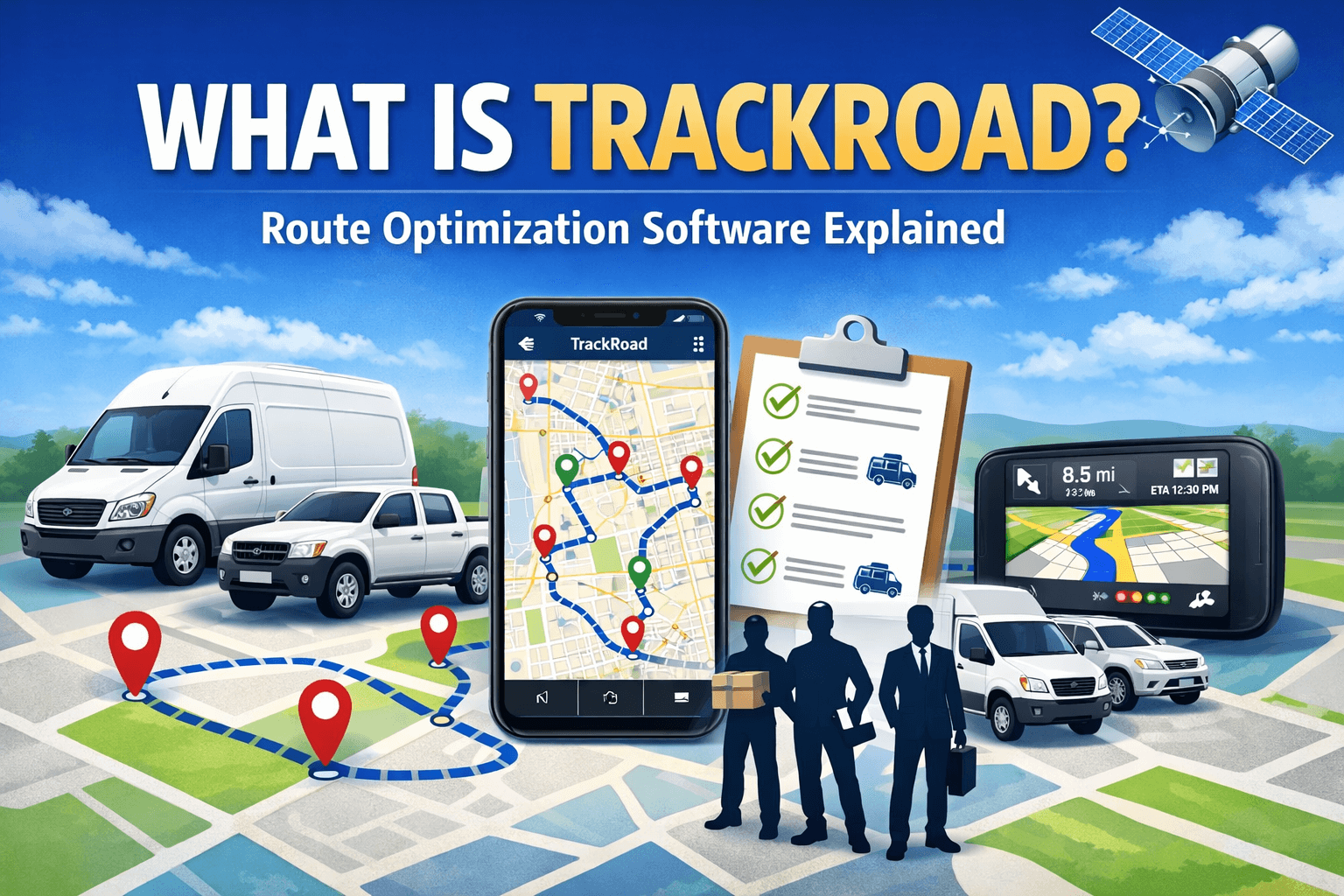 Example: multi-stop route optimization across multiple vehicles.
What does TrackRoad do?#
TrackRoad helps teams build better daily route plans when you have many stops and real-world constraints.
Instead of manually ordering stops (or using a navigation app designed for one route),
TrackRoad computes optimized routes based on your goals and rules.
- Optimize routes with many stops (e.g., 10–200+)
- Assign stops across multiple vehicles and generate routes per driver
- Respect time windows and appointment schedules
- Include service time so ETAs stay realistic
- Balance workload to reduce uneven routes
New to the topic? Start here:
What is route optimization?
Who is TrackRoad for?#
TrackRoad is built for teams that visit many locations every day, including:
Reduce miles and meet customer time windows with multi-stop optimization.
Schedule technicians efficiently and reduce missed appointments.
Visit more customers per day with a better stop sequence and schedule.
Key features#
Common TrackRoad capabilities teams use to plan reliable routes:
- Multi-vehicle planning: assign stops across multiple drivers automatically.
- Time windows: schedule stops within allowed delivery/appointment ranges.
- Service time: include time spent at each stop for realistic ETAs.
- Route summaries: review distance, time, stop order, and schedule.
- Execution: dispatch routes and send routes to drivers.
Want the “how it works” breakdown?
How route optimization works.
How TrackRoad works (high-level)#
- Add stops (addresses or coordinates).
- Add vehicles with start locations and working hours.
- Set constraints (time windows, service times, priorities).
- Optimize and review routes: stop order, ETA, distance, time.
- Dispatch and execute routes with drivers.
Explore constraints in detail:
Time windows and
multiple vehicles.
TrackRoad vs Google Maps#
Navigation apps are great for directions, but they are not designed to solve the full routing problem
across many stops, multiple vehicles, and business constraints.
TrackRoad optimizes the entire plan — not just one route — and handles common constraints like time windows,
driver working hours, service time, and multi-vehicle assignment.
Learn more:
Route optimization vs Google Maps.
FAQ#
Quick answers to common questions about TrackRoad.
What is TrackRoad?
TrackRoad is route optimization software that helps teams plan and optimize multi-stop routes using constraints like
time windows, service time, vehicle schedules, and multiple vehicles.
Who should use TrackRoad?
TrackRoad is used by delivery companies, field service teams, sales organizations, and logistics planners who need to route
many stops per day and improve on-time performance.
Can TrackRoad optimize routes for multiple vehicles?
Yes. TrackRoad can assign stops across multiple vehicles and generate separate optimized routes for each driver while balancing
workload and respecting constraints.
Does TrackRoad support time windows and service time?
Yes. TrackRoad supports time windows and service time per stop so routes follow appointment schedules and produce realistic arrival times.
How is TrackRoad different from Google Maps?
Google Maps is designed for navigation and a single route. TrackRoad optimizes the entire plan across many stops, multiple vehicles,
and constraints like time windows, capacity, and working hours.
Do I need to install software to use TrackRoad?
No. TrackRoad can be used online in your browser. You can add stops, vehicles, constraints, and optimize routes without installing software.