Route Optimization API (REST + SOAP) – Developer Guide
TrackRoad provides route optimization and dispatching APIs that allow developers to integrate
multi-stop routing, multi-vehicle dispatching, time windows, and capacity constraints into their own systems.
This page is a practical overview + quick-start. For full endpoint details and language examples,
see API documentation and the dedicated pages for
authentication and
Dispatch.
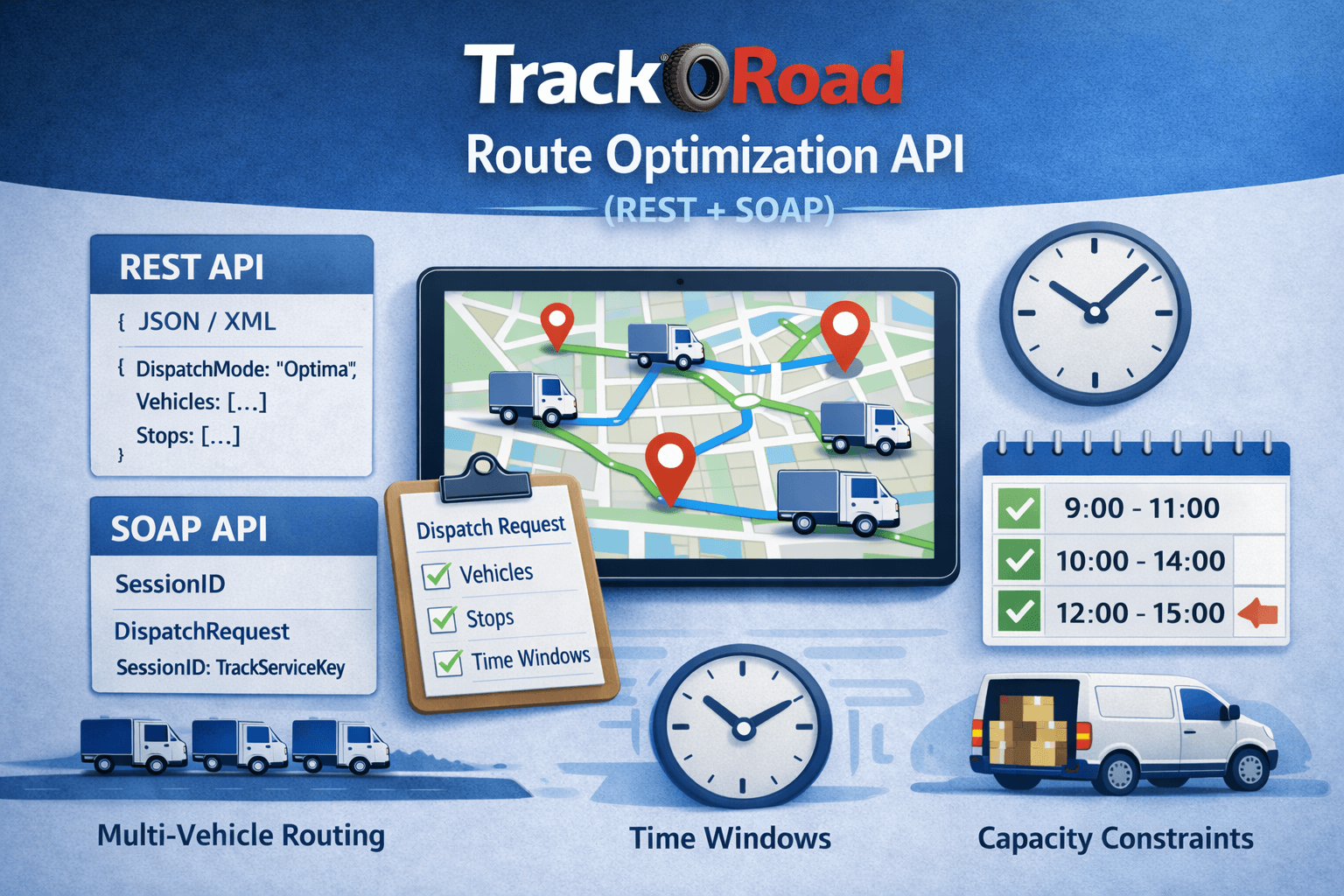 Route Optimization API (REST + SOAP): Dispatch, multi-vehicle routing, time windows, and constraints.
Start Integrating the Route Optimization API
Authenticate with your TrackServiceKey:
REST uses X-API-Key, SOAP uses SessionIDHeader.SessionID.
Then build a Dispatch request and run optimization.
Open Swagger API Docs
Dispatch API Reference
What you can build with TrackRoad route optimization API#
The API enables route optimization for common business cases:
- Delivery route planning systems (courier, parcels, grocery)
- Field service scheduling (technicians, repairs, installations)
- Fleet dispatching with multiple vehicles and multiple stops
- Geocoding and turn-by-turn routing workflows
- Advanced dispatch modes for different routing strategies
The routing engine supports constraints such as:
- Time windows (arrival/departure constraints)
- Capacity limits (weight / volume)
- Time and distance balancing across vehicles
- Multiple vehicle start / finish points
- Break stops and service time per stop
REST vs SOAP#
REST API (JSON/XML)
REST is lightweight and common for web and mobile integrations.
TrackRoad supports REST calls using JSON or XML payloads.
SOAP API
SOAP is common in enterprise systems and supports strongly typed service references in .NET.
SOAP is useful if you want compiled classes like DispatchSpecification, Vehicle, and Location.
Authentication (TrackServiceKey)#
TrackRoad uses a stable API key called TrackServiceKey.
It does not behave like a classic expiring session ID.
See API authentication for full details.
- REST: Send your key in the HTTP header: X-API-Key: YOUR_TRACKSERVICEKEY
- SOAP: Send your key in SessionIDHeader as SessionID
Dispatch API (core optimization call)#
Route optimization is performed using Dispatch.
Dispatch takes vehicles + stops and returns optimized routes per vehicle.
Full reference:
Dispatch API
SOAP WSDL endpoint
http://trackservice.trackroad.com/trackservice.asmx?wsdl
Typical Dispatch inputs
- Vehicles (each with start/finish location)
- Stops (locations)
- DispatchMode (Auto, EqualStop, SingleRegion, MultipleRegion, Optima, etc.)
- MinimumOptimization (precision)
Time windows and Optima mode#
TrackRoad supports time windows via stop arrival and departure constraints.
For the best results, TrackRoad recommends using DispatchMode Optima for time windows.
Key variables
- CanArriveEarly
- TimeConstraintArrival
- TimeConstraintDeparture
If your language cannot pass null datetime values, use 0001-01-01T00:00:00.
TrackRoad treats dates ≤ Jan 1, 2012 as null.
Read more:
Route Optimization With Time Windows
Understanding dispatch results#
Dispatch returns optimized routes per vehicle. Each vehicle result includes ordered stops with metadata like:
- Stop sequence
- MatchCode / address match confidence
- Latitude/Longitude
- Time and distance to next stop
- Batch stops whenever possible instead of optimizing one route at a time
- Provide accurate service time and time windows for realistic outputs
- Use Optima mode for schedules with constraints
- Increase minimum optimization for better quality on larger stop sets
- Use multi-vehicle dispatching for fleet routing instead of separate requests
REST JSON example (X-API-Key → Dispatch)#
This example shows the recommended REST flow using X-API-Key (TrackServiceKey).
Step 1 — Set authentication headers
Headers:
X-API-Key: YOUR_TRACKSERVICEKEY
Content-Type: application/json
Step 2 — Dispatch (optimize routes)
Dispatch takes vehicles + stops and returns optimized routes.
This example uses one vehicle and multiple stops.
POST https://trackservice.trackroad.com/rest/dispatch
Headers:
X-API-Key: YOUR_TRACKSERVICEKEY
Content-Type: application/json

{
  "DispatchMode": "Optima",
  "DistanceUnit": "Mile",
  "MinimumOptimization": 1,
  "Vehicles": [
    {
      "Name": "Vehicle 1",
      "StartLocation": { "Name": "Depot", "Address": "350 5th Ave, New York, NY" },
      "FinishLocation": { "Name": "Depot", "Address": "350 5th Ave, New York, NY" },
      "TimeIn": "2025-12-25T08:00:00",
      "TimeOut": "2025-12-25T18:00:00",
      "CapacityWeight": 1000,
      "CapacityVolume": 100
    }
  ],
  "Stops": [
    {
      "Name": "Stop 1",
      "Address": "405 Lexington Ave, New York, NY",
      "ServiceTimeMinutes": 10,
      "TimeWindowStart": "2025-12-25T09:00:00",
      "TimeWindowEnd": "2025-12-25T11:00:00",
      "Weight": 120,
      "Volume": 12
    },
    {
      "Name": "Stop 2",
      "Address": "11 Wall St, New York, NY",
      "ServiceTimeMinutes": 8,
      "TimeWindowStart": "2025-12-25T10:00:00",
      "TimeWindowEnd": "2025-12-25T14:00:00",
      "Weight": 60,
      "Volume": 6
    },
    {
      "Name": "Stop 3",
      "Address": "200 Central Park West, New York, NY",
      "ServiceTimeMinutes": 12,
      "Weight": 80,
      "Volume": 8
    }
  ]
}
Tip: For time windows, use DispatchMode = Optima.
If your integration cannot send null values, use a default date like 0001-01-01T00:00:00 to represent “null”.
curl example
curl -X POST "https://trackservice.trackroad.com/rest/dispatch" \
  -H "X-API-Key: YOUR_TRACKSERVICEKEY" \
  -H "Content-Type: application/json" \
  -d @dispatch-request.json
Legacy Login/Logout is available for backward compatibility.
For most integrations, use X-API-Key (TrackServiceKey) on every request.
SOAP C# example (SessionIDHeader → Dispatch)
TrackRoad SOAP authentication uses SessionIDHeader.SessionID = TrackServiceKey.
See authentication for full details.
SOAP WSDL endpoint
http://trackservice.trackroad.com/trackservice.asmx?wsdl
Step-by-step C# SOAP example
using System;
using System.Collections.Generic;
using TrackServiceRef; // your generated SOAP reference namespace

public class TrackRoadSoapExample
{
    public static void OptimizeRoutesWithSoap()
    {
        var client = new TrackServiceSoapClient();

        // TrackRoad SOAP uses TrackServiceKey as SessionID.
        string sessionId = "YOUR_TRACKSERVICEKEY";

        // Vehicles
        var vehicle = new Vehicle
        {
            Name = "Vehicle 1",
            StartLocation = new Location { Name = "Depot", Address = "350 5th Ave, New York, NY" },
            FinishLocation = new Location { Name = "Depot", Address = "350 5th Ave, New York, NY" },
            TimeIn = new DateTime(2025, 12, 25, 8, 0, 0),
            TimeOut = new DateTime(2025, 12, 25, 18, 0, 0),
            CapacityWeight = 1000,
            CapacityVolume = 100
        };

        // Stops
        var stops = new List<Location>
        {
            new Location
            {
                Name = "Stop 1",
                Address = "405 Lexington Ave, New York, NY",
                ServiceTime = 10,
                TimeConstraintArrival = new DateTime(2025, 12, 25, 9, 0, 0),
                TimeConstraintDeparture = new DateTime(2025, 12, 25, 11, 0, 0),
                CanArriveEarly = true,
                Weight = 120,
                Volume = 12
            },
            new Location
            {
                Name = "Stop 2",
                Address = "11 Wall St, New York, NY",
                ServiceTime = 8,
                TimeConstraintArrival = new DateTime(2025, 12, 25, 10, 0, 0),
                TimeConstraintDeparture = new DateTime(2025, 12, 25, 14, 0, 0),
                CanArriveEarly = true,
                Weight = 60,
                Volume = 6
            },
            new Location
            {
                Name = "Stop 3",
                Address = "200 Central Park West, New York, NY",
                ServiceTime = 12,
                Weight = 80,
                Volume = 8
            }
        };

        // Dispatch spec
        var spec = new DispatchSpecification
        {
            DispatchMode = DispatchMode.Optima,
            DistanceUnit = DistanceUnit.Mile,
            MinimumOptimization = 1,
            CurrentTime = DateTime.MinValue
        };

        // Dispatch
        var dispatchResult = client.Dispatch(sessionId, spec, new[] { vehicle }, stops.ToArray());

        if (!dispatchResult.Success)
            throw new Exception("Dispatch failed: " + dispatchResult.Message);

        foreach (var route in dispatchResult.Routes)
        {
            Console.WriteLine($"Vehicle: {route.VehicleName}");
            Console.WriteLine($"Distance: {route.Distance}");
            Console.WriteLine($"Duration: {route.Duration}");

            foreach (var stop in route.Stops)
                Console.WriteLine($"  {stop.Sequence}. {stop.Name}  ETA: {stop.ETA}");
        }
    }
}
Notes
- Use Optima mode for time windows and schedules.
- Provide driver working hours (
TimeIn, TimeOut) for realistic routing.
- If you cannot provide null datetime values, use
DateTime.MinValue or a “null date” rule.
Troubleshooting: Common API Errors and How to Fix Them#
Route optimization is a constraint-based problem. If you provide invalid addresses or impossible constraints
(tight time windows, insufficient vehicles, capacity limits exceeded), the dispatch engine may return errors
or produce incomplete routes.
1) “Dispatch failed” or Success = false
- Invalid or incomplete stop addresses
- Impossible time windows
- Vehicle working hours too short
- Not enough vehicles to service all stops
- Capacity constraints exceeded
2) Some stops are missing from routes
Common causes:
- Time windows too strict
- Working hours too strict
- Capacity exceeded
- Service time pushes schedule beyond feasible limits
3) Invalid or low-quality address matches (MatchCode issues)
- Provide full addresses (street + city + postal + country)
- If you already have coordinates, send Latitude/Longitude
- Validate stops with geocoding before dispatch when needed
4) Time windows are infeasible
- Use DispatchMode Optima
- Widen time windows
- Allow early arrival (
CanArriveEarly = true) when appropriate
- Add vehicles or increase vehicle working hours
5) Not enough vehicles / incomplete fleet routing
- Add more vehicles
- Increase capacity (weight/volume)
- Increase working hours
- Use
DispatchMode MinimumVehicles if your goal is to minimize required vehicles
6) API returns “key invalid” (authentication)
TrackRoad authentication uses a stable API key called TrackServiceKey.
“Key invalid” typically means the key is missing, incorrect, or not sent in the correct header.
- REST: send X-API-Key: TrackServiceKey
- SOAP: send SessionIDHeader.SessionID = TrackServiceKey
- See API authentication for exact details.
FAQ: Route Optimization API#
Does TrackRoad provide a route optimization API?
Yes. TrackRoad provides route optimization and dispatching APIs via REST (JSON/XML) and SOAP.
What is the Dispatch API in TrackRoad?
Dispatch is the primary optimization method that takes vehicles + stops and returns optimized routes per vehicle.
See
Dispatch API reference.
How do I authenticate TrackRoad API requests?
TrackRoad uses a stable API key called
TrackServiceKey.
REST uses
X-API-Key; SOAP uses
SessionIDHeader.SessionID.
See
API authentication.
Why do I get “key invalid” errors?
“Key invalid” usually means TrackServiceKey is missing, incorrect, or sent in the wrong place.
REST: X-API-Key. SOAP: SessionIDHeader.