Multi-Vehicle Routing (Fleet Routing & Dispatching)
Multi-vehicle routing helps you distribute stops across drivers, balance workloads,
and perform fleet route optimization for time and efficiency.
This approach is used by delivery fleets and field service teams
to plan daily routes, dispatch drivers, and monitor execution in real time.
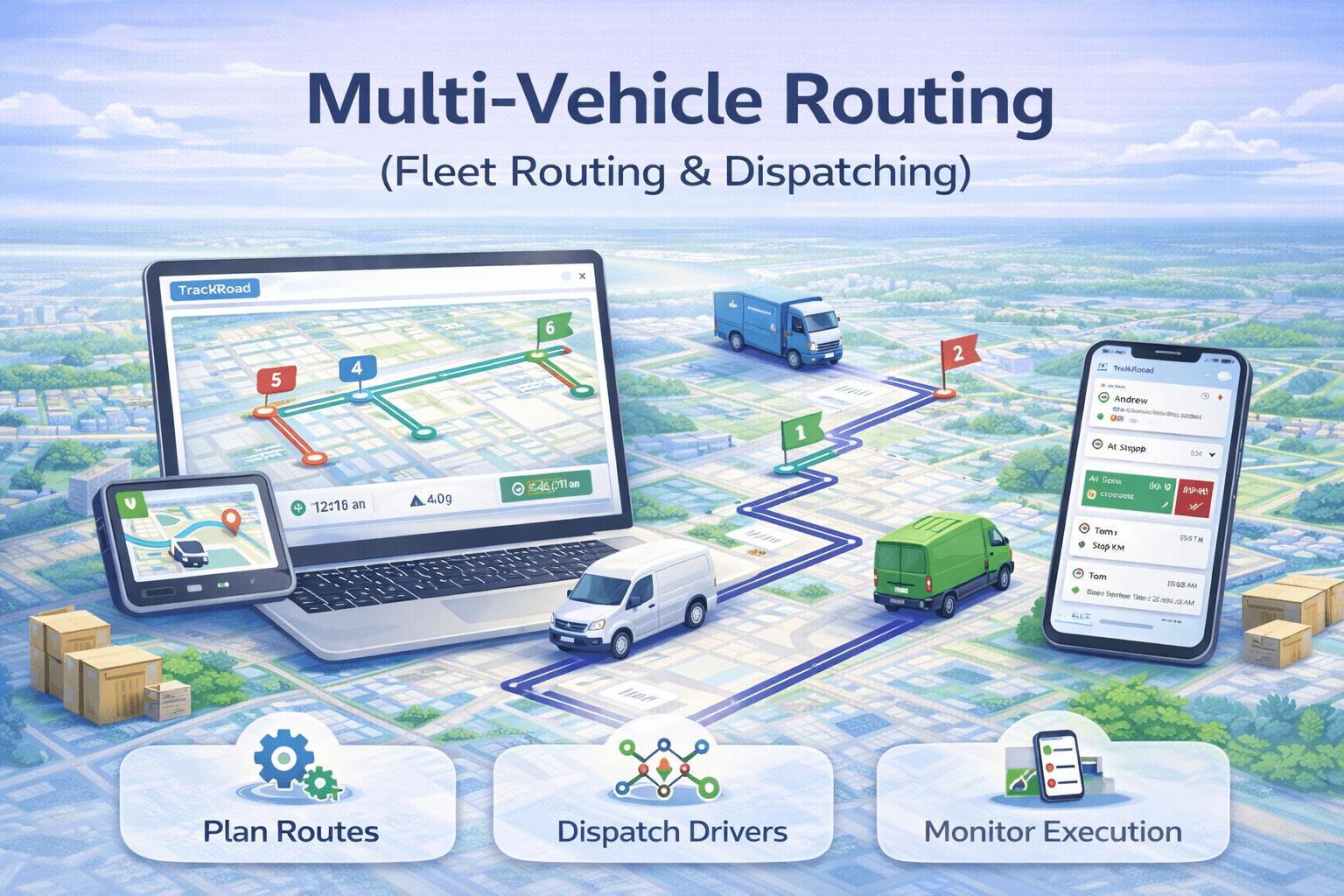 Fleet routing example showing stop distribution across multiple vehicles.
This guide focuses on fleet routing and dispatch execution.
For algorithm-level planning and optimization theory,
see multi-vehicle route optimization.
What is multi-vehicle routing?#
Multi-vehicle routing distributes stops across multiple vehicles and optimizes each vehicle’s route.
Instead of one long route, your workload is balanced across the fleet.
- Reduce total drive time across all vehicles
- Balance workloads (stops, time, and geography)
- Improve on-time performance
- Scale routing operations as your fleet grows
Multi-vehicle routing vs single-route optimization
Single-route optimization focuses on ordering stops for one driver.
Multi-vehicle routing solves a more complex problem: distributing stops
across multiple drivers while optimizing each route.
- Single-route optimization: best stop order for one vehicle
- Multi-vehicle routing: assign stops + optimize all routes together
TrackRoad’s multi-vehicle routing ensures workloads are balanced across the fleet,
not just optimized individually.
How TrackRoad dispatching works#
- Create vehicles (optionally with start/finish locations).
- Add stops for the day or route batch.
- Run dispatch optimization to distribute the workload.
- Optimize each route and dispatch drivers.
After routes are dispatched, TrackRoad provides
real-time driver tracking
and
proof of delivery
to ensure routes are executed as planned.
Fleet routing constraints supported by TrackRoad
Real-world fleet routing requires more than distance minimization.
TrackRoad supports operational constraints such as:
- Vehicle start and end locations (depots)
- Driver working hours
- Service time per stop
- Time windows and delivery schedules
- Balanced workload distribution
Who benefits from multi-vehicle routing?
- Delivery fleets running multiple daily routes
- Field service teams with scheduled visits
- Dispatchers coordinating multiple drivers
- Operations teams managing workload balance
- Businesses scaling beyond manual route planning
FAQ: Multi-Vehicle Routing#
What is multi-vehicle routing?
Multi-vehicle routing assigns stops across multiple vehicles and optimizes each route, improving overall fleet efficiency.
How does TrackRoad assign stops to vehicles?
TrackRoad evaluates stop locations relative to vehicles and distributes feasible workloads, then optimizes each vehicle route.
Is there a limit to vehicles?
TrackRoad supports multi-vehicle dispatching in most workflows; limits depend on account configuration and route complexity.
What is the difference between fleet routing and dispatching?
Fleet routing determines how stops are assigned and optimized across vehicles, while dispatching focuses on executing those routes and monitoring drivers in real time.
Can multi-vehicle routing reduce total drive time?
Yes. By distributing stops efficiently across vehicles, multi-vehicle routing reduces total fleet drive time and improves overall efficiency.
Ready to Run Multi-Vehicle Routing in Production?
Import stops, add vehicles, apply real-world constraints,
and dispatch optimized routes with full tracking and proof of delivery.